Free Shipping on orders over Ksh 5,000
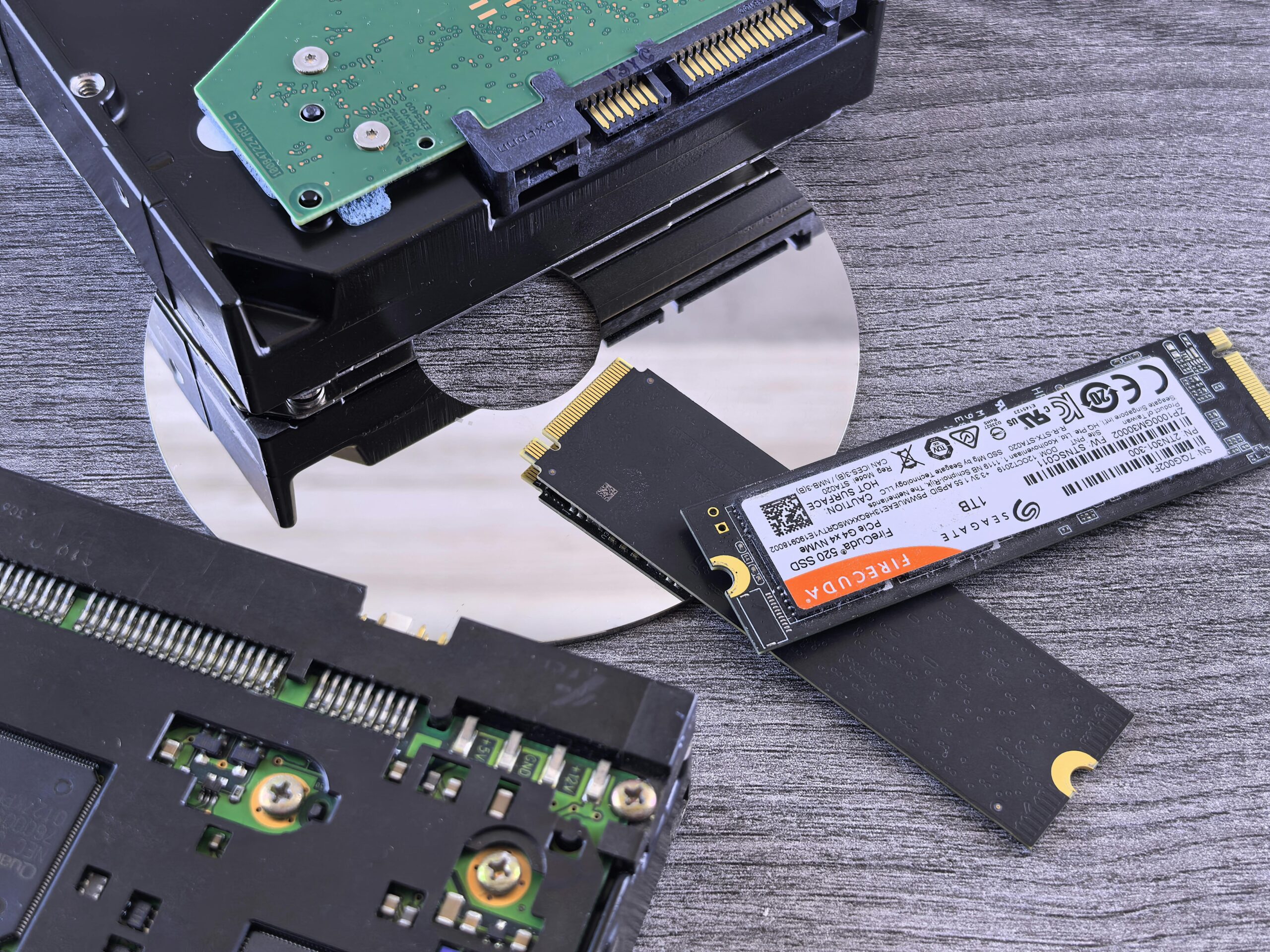
Contrasting data storage technologies: NVMe SSD, HDD, and CD.

Why Your Laptop Is Slow – And How Upgrading RAM or SSD Can Fix It

Is Your Computer Running Slow? Here’s Why

A slow laptop or computer is one of the most common problems users face. Tasks that used to take seconds start taking minutes, and the overall experience becomes frustrating.
Slow performance can be caused by outdated hardware, low memory, or storage limitations, especially in older devices.
Studies show that slow performance is one of the most reported computer issues, often caused by insufficient RAM or outdated hard drives, making upgrades one of the most effective solutions.

Common Causes of a Slow Laptop or Computer

  • Low RAM (memory) limiting multitasking
  • Old hard drive (HDD) with slow read/write speeds
  • Too many background programs
  • Virus or malware infections
  • Overheating affecting performance

Identifying the root cause is important before applying the right solution.

How RAM Upgrade Improves Performance
RAM (Random Access Memory) plays a key role in how fast your computer runs multiple tasks.

Upgrading RAM helps to:

  • Improve multitasking (multiple apps running smoothly)
  • Reduce system lag and freezing
  • Speed up application loading times
    This is especially useful for users who run browsers, software, or office applications simultaneously.

With the growing demand for faster applications and multitasking, many older computers struggle to keep up, making performance upgrades like SSD and RAM essential for modern usage.

How SSD Upgrade Transforms Your Computer

Replacing a traditional hard drive (HDD) with a Solid State Drive (SSD) is one of the biggest upgrades you can make.
An SSD helps to:

  • Boot your computer in seconds
  • Open applications instantly
  • Improve overall system responsiveness
  • Reduce overheating and noise
    This upgrade alone can make an old laptop feel like a new one.
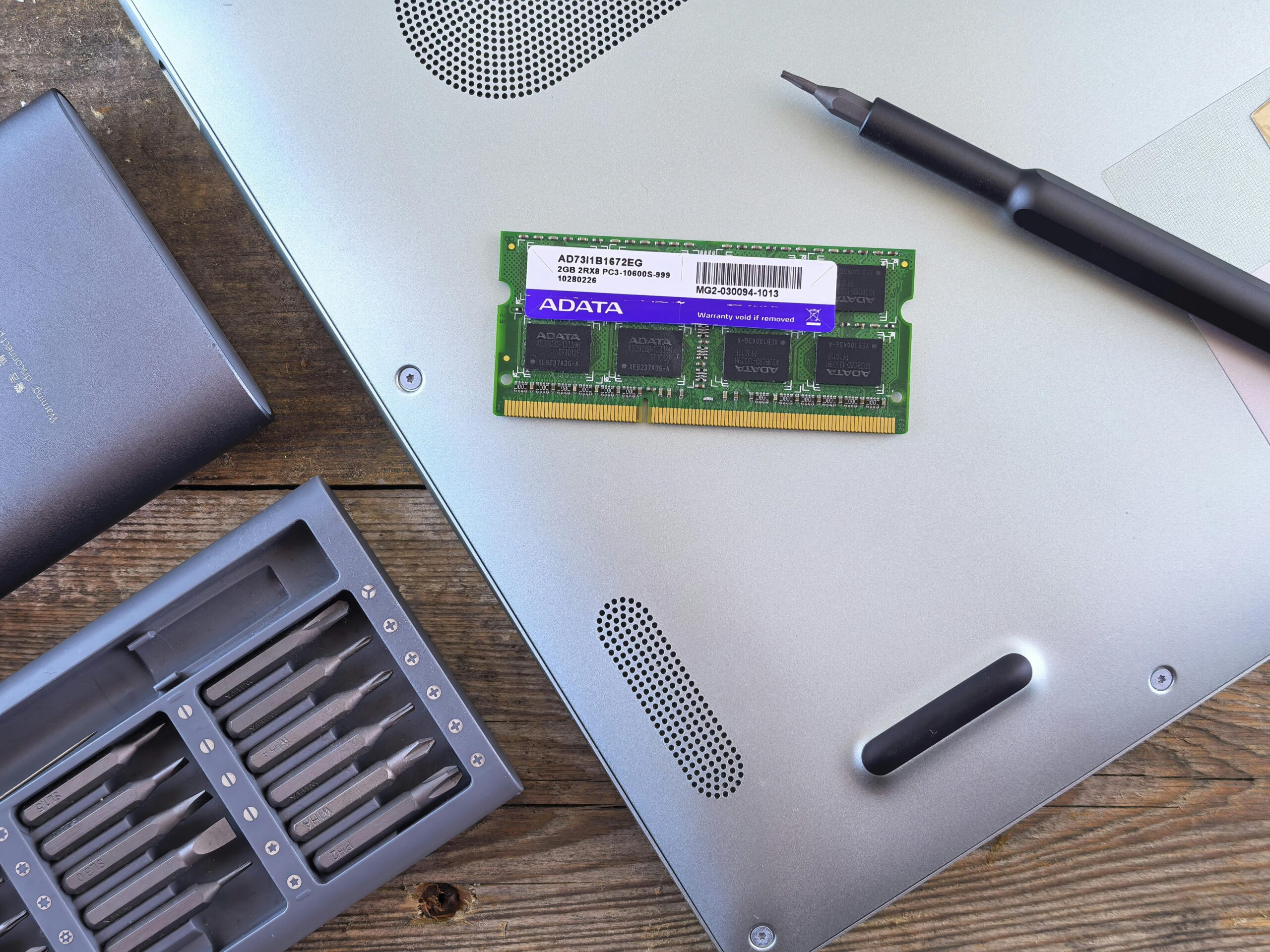
Close-up of an open laptop with RAM module, screwdriver, and toolset on a wooden surface.
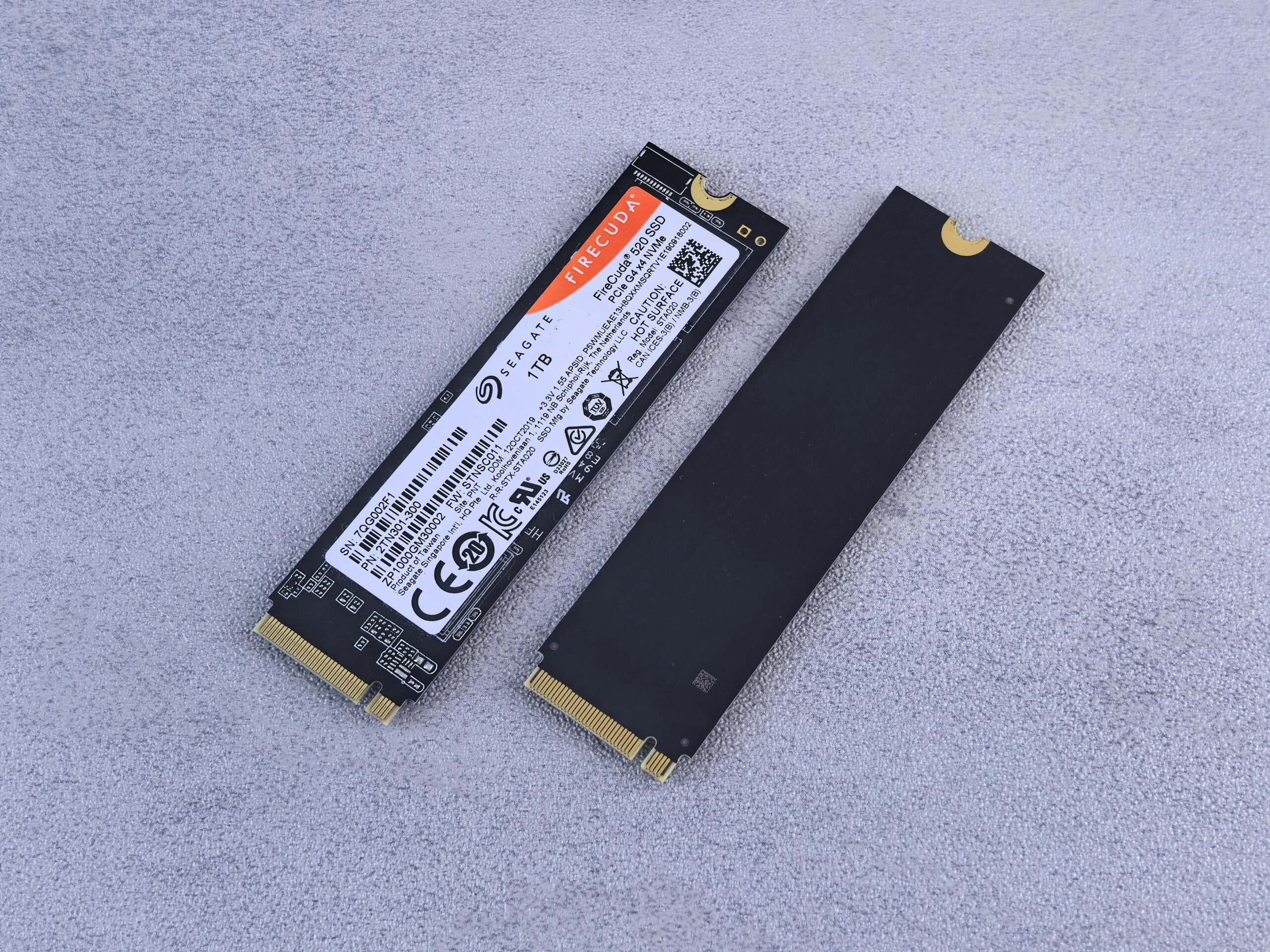
Two NVMe SSDs, Seagate FireCuda, on a gray background for tech enthusiasts.

Signs You Need an Upgrade Instead of Repair

  • Laptop takes too long to start
  • Programs freeze or crash frequently
  • System becomes slow when multitasking
  • Hard drive makes unusual noises
  • Windows takes long to load or update
    These signs usually indicate hardware limitations rather than just software issues.
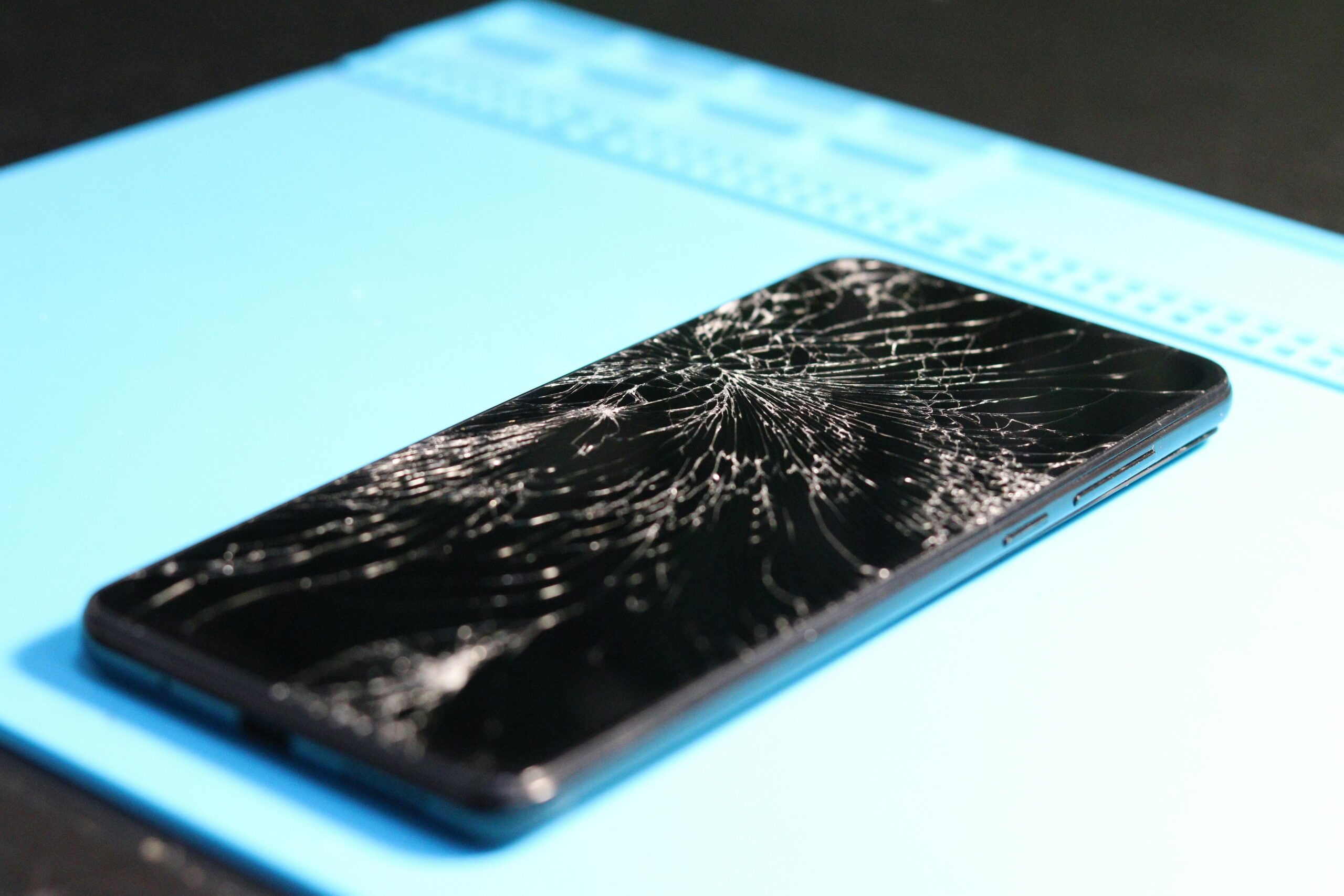
A cracked smartphone screen on a repair mat highlights technology mishaps.

iPhone Screen Cracked? Here’s When You Need a Replacement

Cracked iPhone Screen — More Than Just a Cosmetic Issue

A cracked iPhone screen is one of the most common problems smartphone users face. While some people continue using their phone with minor cracks, screen damage can quickly become worse and affect the performance of the device.

Even a small crack can spread over time, making the phone harder to use and increasing the risk of further internal damage.

Signs You Need Immediate Screen Replacement

Not all screen damage looks serious at first, but here are clear signs that your iPhone screen needs professional replacement:

  • Touch not responding properly
  • Display showing lines, black spots, or discoloration
  • Screen flickering or going completely blank
  • Glass shards or sharp edges on the screen
  • Ghost touches (phone operating on its own)

Ignoring these signs can lead to more expensive repairs later.

Studies show that screen damage accounts for over 50% of all smartphone repairs, with iPhones being among the most frequently repaired devices due to their premium display technology.

Why You Should Not Delay Screen Repair

Using a damaged screen can cause:

  • Injury from broken glass
  • Damage to internal components
  • Reduced display visibility
  • Complete screen failure

In some cases, a cracked screen can expose the inside of the phone to dust or moisture, leading to bigger problems.

A cracked smartphone screen on a repair mat highlights technology mishaps.
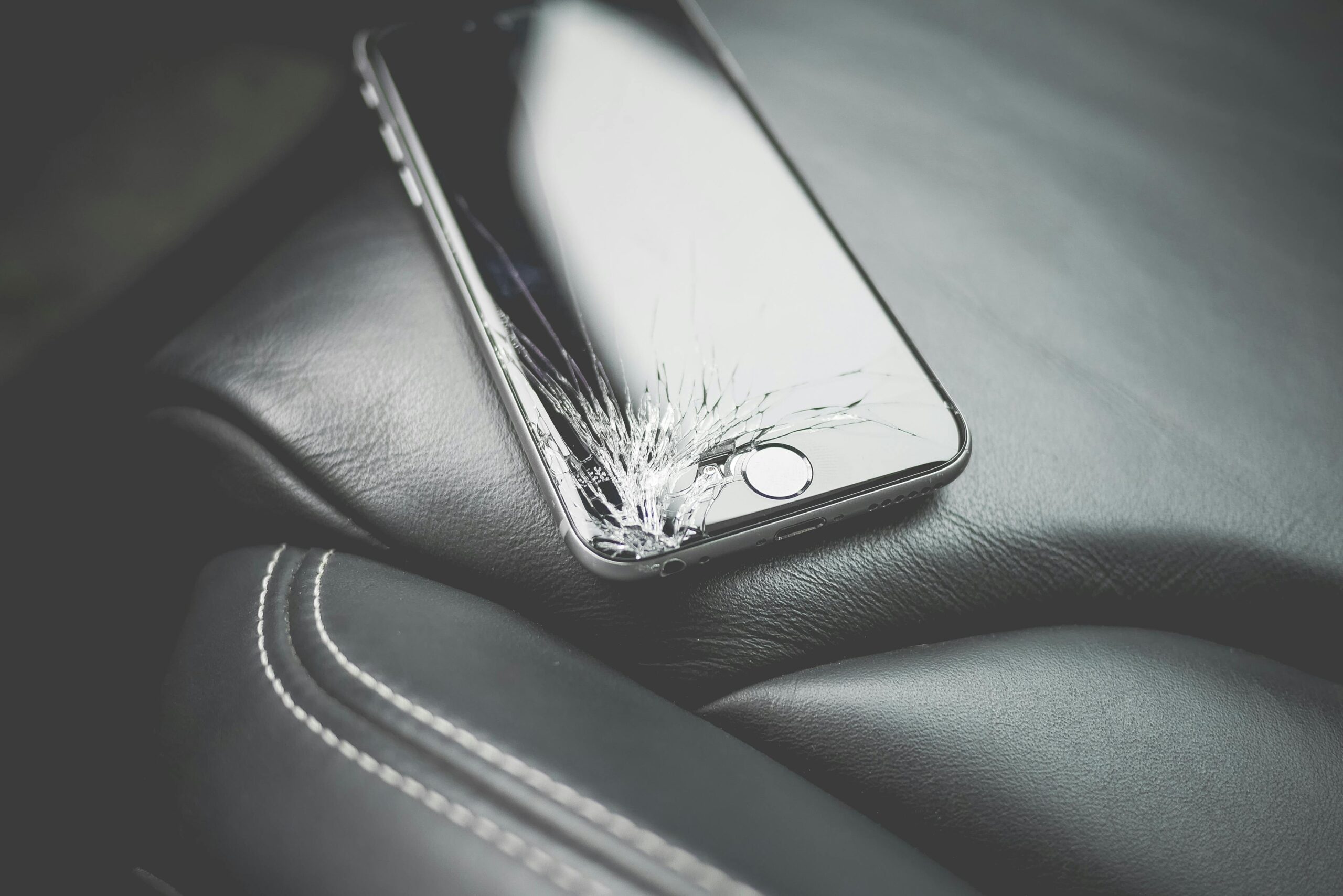
Close-up of a broken smartphone with a cracked screen on a leather car seat.

Original vs Low-Quality Screens

One of the biggest mistakes customers make is choosing cheap screen replacements.
Low-quality screens often result in: Poor display brightness and color, Weak touch sensitivity, Faster damage after minor drops.

Using a high-quality screen ensures better performance and durability, especially for devices like iPhones. Professional iPhone Screen Replacement at Fon-Fix Repairs, screen replacement is done with precision and care to restore your device to proper working condition.

Our process includes:

  • Careful removal of the damaged screen
  • Installation of a high-quality replacement
  • Testing touch, display, and brightness

Ensuring proper sealing and finishingThis ensures your phone looks and works like normal again.
How to Protect Your Screen After Repair
After replacing your screen, it’s important to avoid future damage:
Use a strong protective case
Install a quality screen protector
Avoid placing the phone in tight or risky areas
Handle the device carefully

Back to Top
error: Content is protected !!
Product has been added to your cart
Compare (0)