
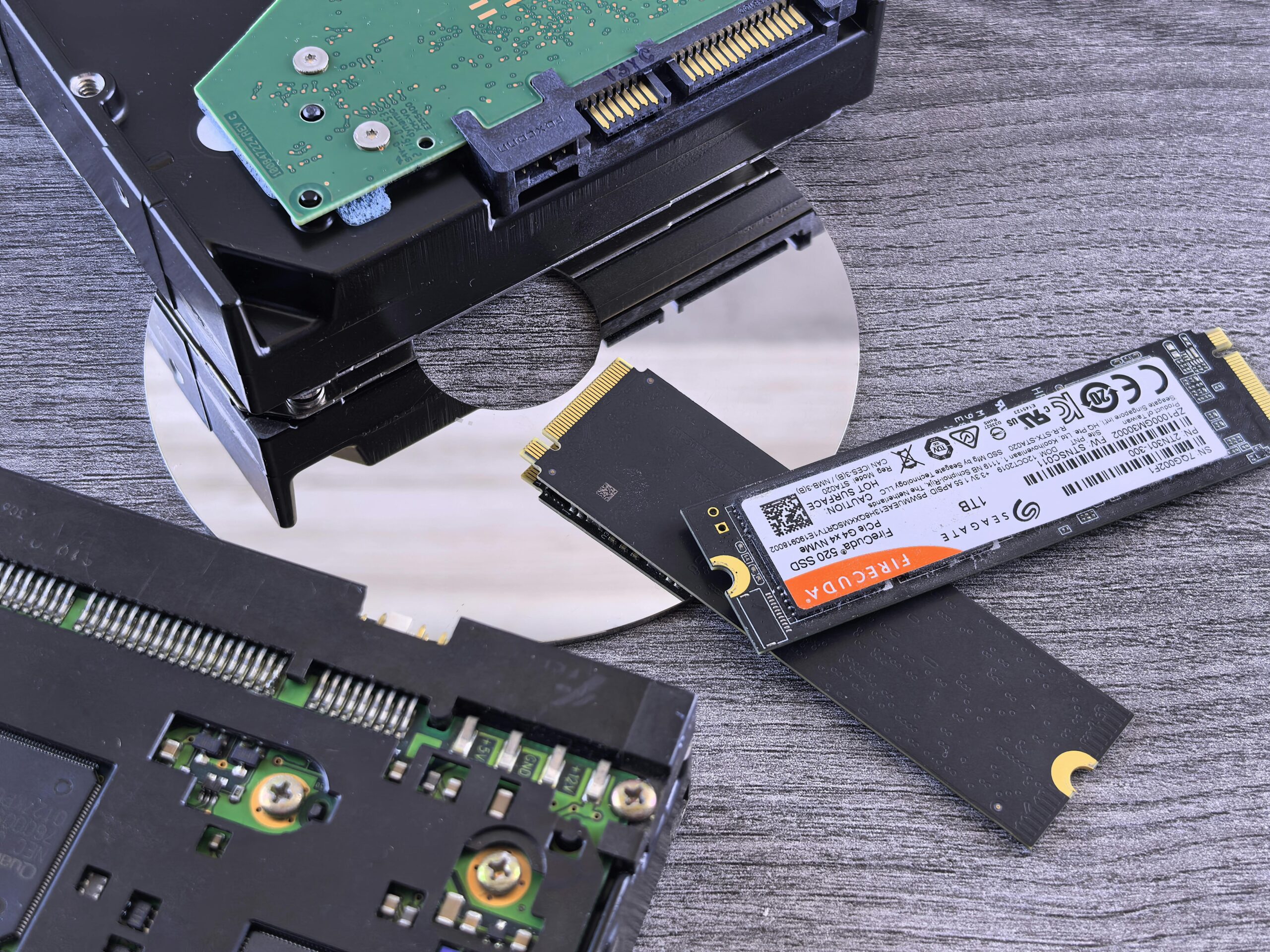
Is Your Computer Running Slow? Here’s Why
A slow laptop or computer is one of the most common problems users face. Tasks that used to take seconds start taking minutes, and the overall experience becomes frustrating.
Slow performance can be caused by outdated hardware, low memory, or storage limitations, especially in older devices.
Studies show that slow performance is one of the most reported computer issues, often caused by insufficient RAM or outdated hard drives, making upgrades one of the most effective solutions.
Common Causes of a Slow Laptop or Computer
- Low RAM (memory) limiting multitasking
- Old hard drive (HDD) with slow read/write speeds
- Too many background programs
- Virus or malware infections
- Overheating affecting performance
Identifying the root cause is important before applying the right solution.
How RAM Upgrade Improves Performance
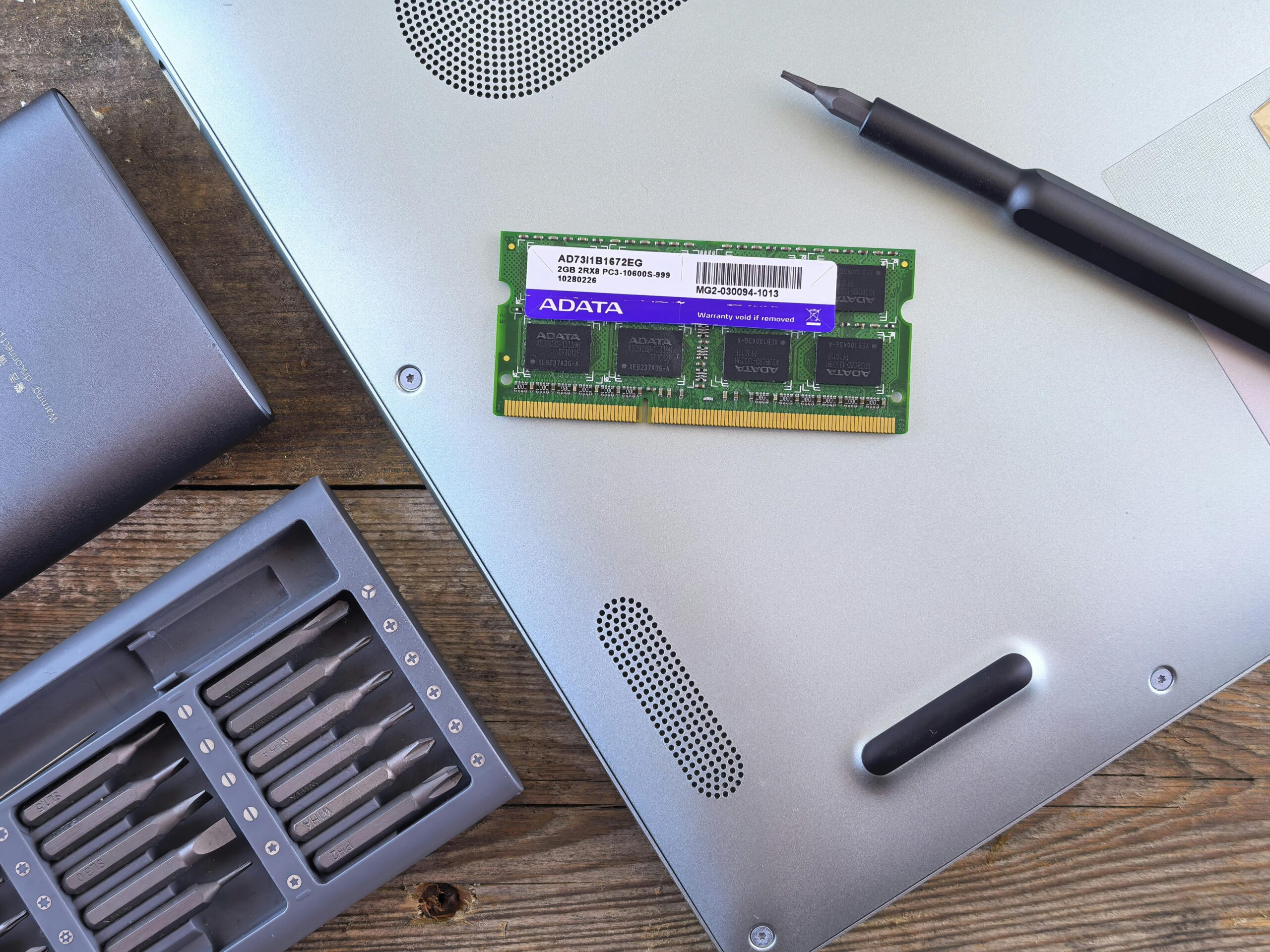
RAM (Random Access Memory) plays a key role in how fast your computer runs multiple tasks.
Upgrading RAM helps to:
- Improve multitasking (multiple apps running smoothly)
- Reduce system lag and freezing
- Speed up application loading times
This is especially useful for users who run browsers, software, or office applications simultaneously.
With the growing demand for faster applications and multitasking, many older computers struggle to keep up, making performance upgrades like SSD and RAM essential for modern usage.
How SSD Upgrade Transforms Your Computer
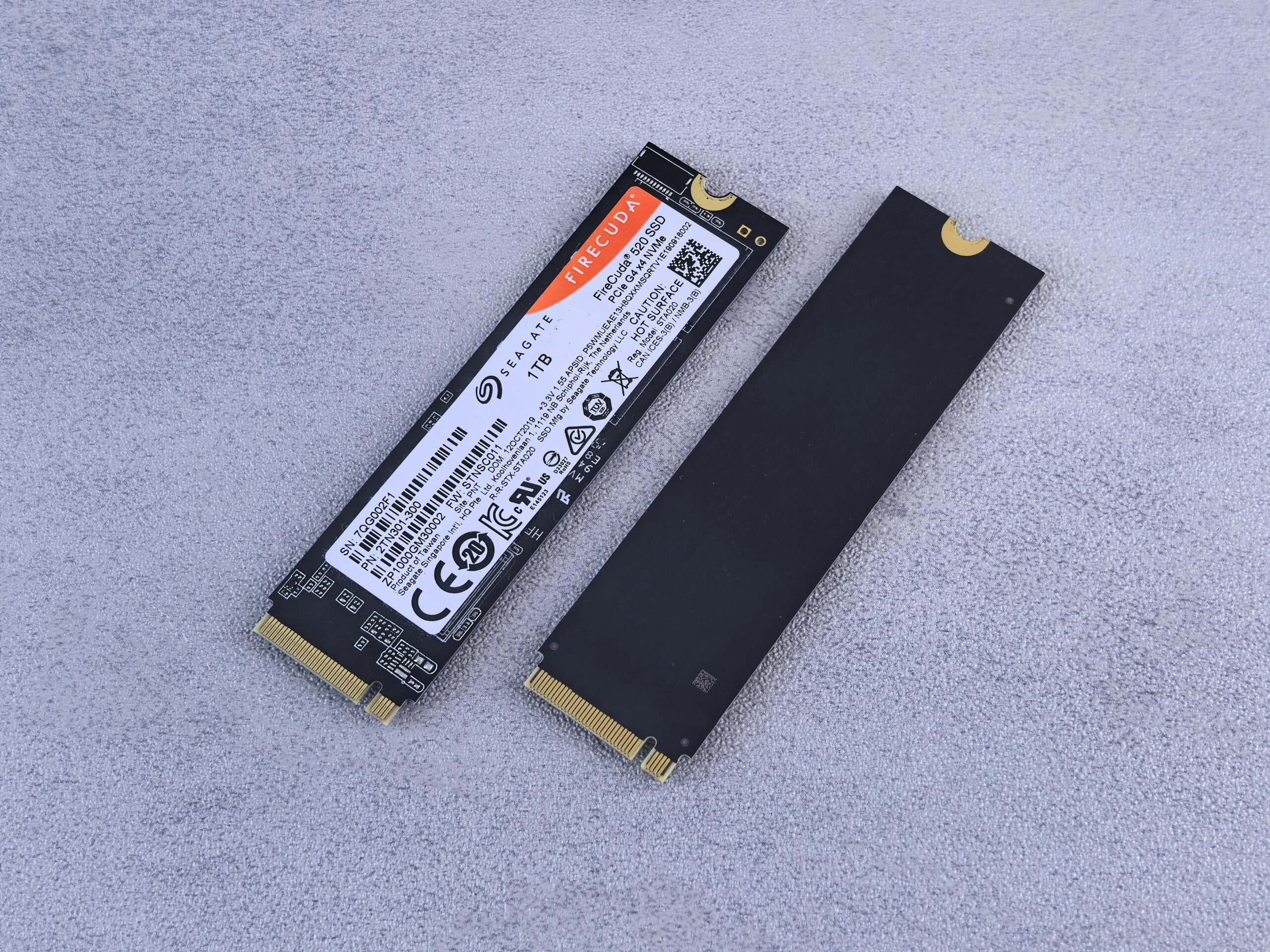
Replacing a traditional hard drive (HDD) with a Solid State Drive (SSD) is one of the biggest upgrades you can make.
An SSD helps to:
- Boot your computer in seconds
- Open applications instantly
- Improve overall system responsiveness
- Reduce overheating and noise
This upgrade alone can make an old laptop feel like a new one.
Signs You Need an Upgrade Instead of Repair
- Laptop takes too long to start
- Programs freeze or crash frequently
- System becomes slow when multitasking
- Hard drive makes unusual noises
- Windows takes long to load or update
These signs usually indicate hardware limitations rather than just software issues.